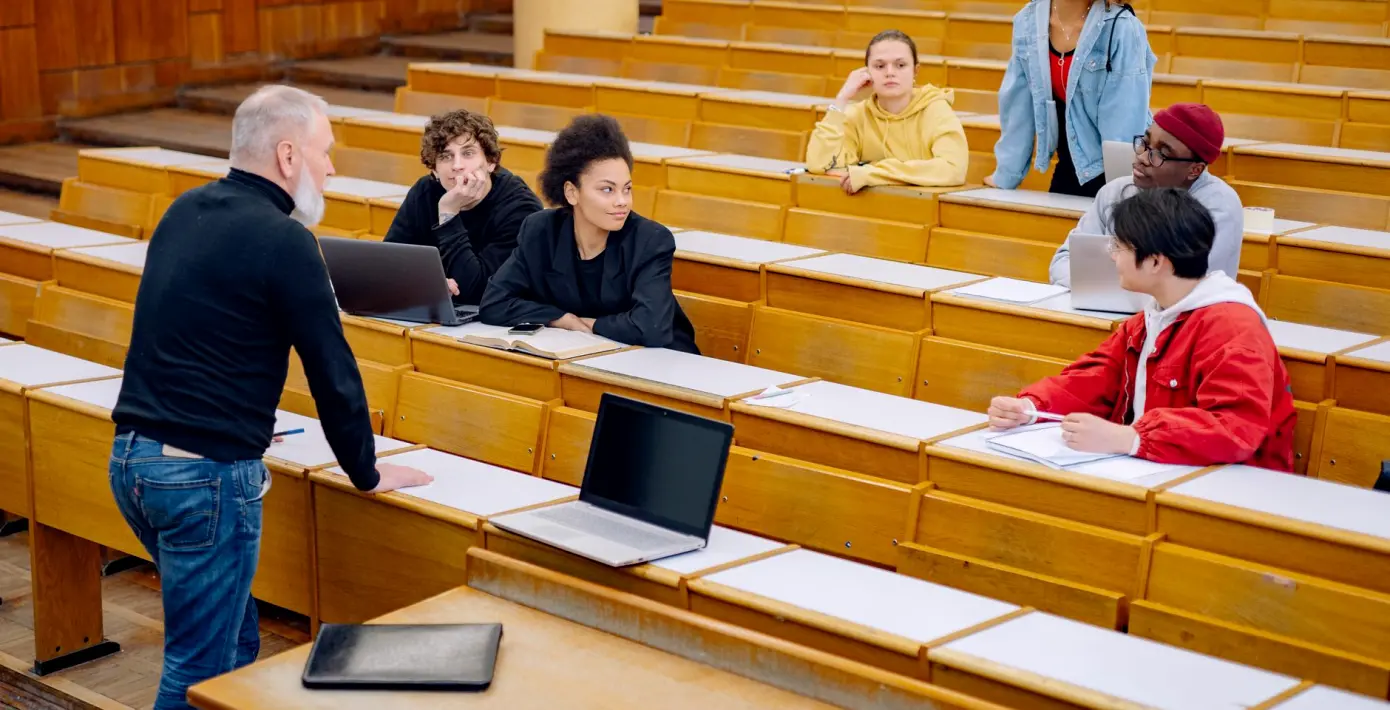
Our training workshops: what happens on the desk
A look at how narravix runs hands-on sessions in live switching, comms discipline and fault handling, and what operators can expect from a day on real production equipment.
Why we teach on real equipment
Most of what makes a good gallery operator cannot be learned from a manual. It comes from sitting at a live desk, with a script in front of you and a director in your ear, and discovering how quickly a shot has to change. That is why our crew training and workshops are built around real production equipment rather than slides and diagrams.
I have been cutting multi-camera concerts and festival broadcasts for years, and I also train new operators in switcher workflow. The pattern I see most often is that people understand the buttons within an hour but need much longer to understand timing. A workshop gives them the space to make small mistakes where nothing goes to air, and to repeat the same cut until it feels natural.
Each session is run by the same operators who work on our bookings, so the habits you are shown are the ones we use ourselves on transmission days.
Live switching: learning to cut with the script
The first block of a workshop is live switching. We start with the layout of the switcher: sources, preview and programme buses, transitions and keys. Once everyone is comfortable with where things are, we move to following a script and a set of director's cues rather than simply pressing buttons in a pleasing order.
Cutting well means listening as much as looking. A director calls the next shot while the current one is still on air, and the operator has to hold both in mind. We practise this with a multi-camera setup, working through a short piece of music and then a panel discussion, because the two ask for different rhythms.
Participants take turns on the desk while the others watch the multiview and call what they would cut to next. It is a simple exercise, but it trains the anticipation that separates a steady vision mixer from a nervous one.
- Source, preview and programme bus layout
- Cutting to a script and director's cues
- Different rhythms for music and panel formats
Comms discipline in the gallery
A gallery runs on talkback. When it works, nobody notices it; when it fails, everybody does. The second part of our workshops covers comms discipline: who speaks, when, and in what words. We teach short, unambiguous phrasing, so that a call such as ready camera two cannot be mistaken for anything else.
We also cover the quieter side of it, which is knowing when to say nothing. During a live cue sequence, chatter on the line can cost a director a moment they cannot afford. Operators learn to hold a question until there is a gap, and to confirm instructions back in a few words.
This part is often the most useful for people who already know the equipment. Plenty of experienced operators have never been given a clear standard for talkback, and agreeing one removes a surprising amount of friction from a production.
Fault handling when something goes wrong
Something will eventually fail on a live show: a camera feed drops, a graphic does not fire, a monitor goes dark. The question is whether the operator stays calm and knows the next step. In the workshop we create controlled faults on the real equipment and let participants work through them.
The method is deliberately plain. First, identify what the audience can see. Second, tell the director in one sentence what has happened. Third, switch to a safe source or backup path while the cause is traced. Only then do we look for the underlying fault.
Practising this in a quiet room is very different from reading about it. By the third or fourth repetition, people stop reacting to the fault and start following the sequence, which is exactly the habit we want them to carry onto a live production.
- Say what the audience sees first
- Report the fault to the director in one sentence
- Move to a safe source before tracing the cause
Who the sessions suit
Our workshops are written for production teams and individual operators who want to work more confidently in a live gallery. That includes newer vision mixers, camera operators who want to understand the other side of the glass, and event or streaming teams who run their own small control rooms and want a shared way of working.
Sessions can be shaped around the equipment you already use, within what we can bring or run on site. If you tell us which switcher and comms system your team works with, we can focus the day on the tasks that will matter most to you instead of covering everything equally.
We keep groups small so that everyone gets proper time on the desk. A large group means long waits between turns, and waiting is the least effective way to learn a live skill.
Arranging a workshop with us
To arrange a session, send an enquiry through the contact page with a short note on who would attend, the equipment involved and the skills you most want to cover. We reply with a written outline and quotation, and the booking is confirmed once that has been agreed.
Prices for training are listed on our prices page, along with what is included and what can change the figure, such as location or group size. Payment follows the usual route of an invoice settled by bank transfer.
If you are unsure what level to aim for, say so in your enquiry. Helen Marsden and I would rather build a day that fits your team than hand over a fixed programme that half the room has already outgrown.
A good operator is made at the desk, with real equipment, a clear script and someone who will let a mistake happen safely and then show a better way. Our workshops are built on that idea: live switching, tidy comms and calm fault handling, practised until they are habit. If your team would benefit from time like that this autumn, get in touch through the contact page and we will talk it through.